For installers
More systems. Fewer call-outs.
Every system you have ever installed, on one screen. You find the fault, you book the repair, and your client hears about it from you.
The fleet view
Every system, one screen.
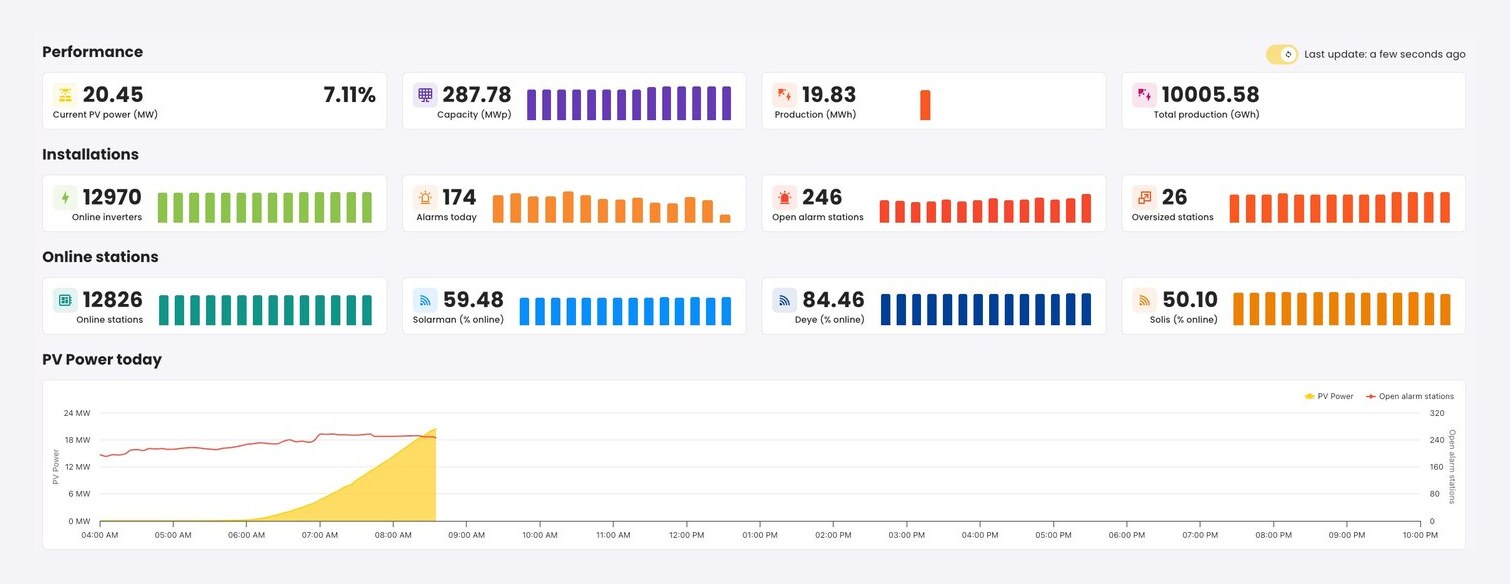
One place for every install you have ever done, whatever brand of inverter went on the roof. Counted, searched and filtered, with each system carrying its own live state.
Whatever went on the roof
Eight inverter brands speak to energitu, so a mixed fleet is one list rather than eight logins and eight passwords.
Live, not last night
Every system reports continuously. The online state on each row is the state right now, not the state of a nightly export.
One client, every site
A client with five systems is five rows on one account, not five customers you have to keep straight in your head.
Two minutes
A ticket before the phone rings.
Production is measured against what the weather says that roof should be making, all day, on every system you look after. A drop does not wait for somebody to notice it.
15:22 · The west roof drops 40%
Nobody in the house would notice. The lights stay on. Left alone it quietly costs your client money every day for months.
15:24 · The ticket already exists
String 3 on the west roof, optimiser offline, part number attached. It opened itself the moment the drop was measured against what that roof should have been making.
15:24 · You book the repair
Your client never had to notice and never had to ring you. They hear about it from you, with the fix already in the diary.
The rest of the job
Paperwork, same screen.
Monitoring is the reason you log in. These are the three things you were going to do in a spreadsheet anyway.
Qualify a client on the call.
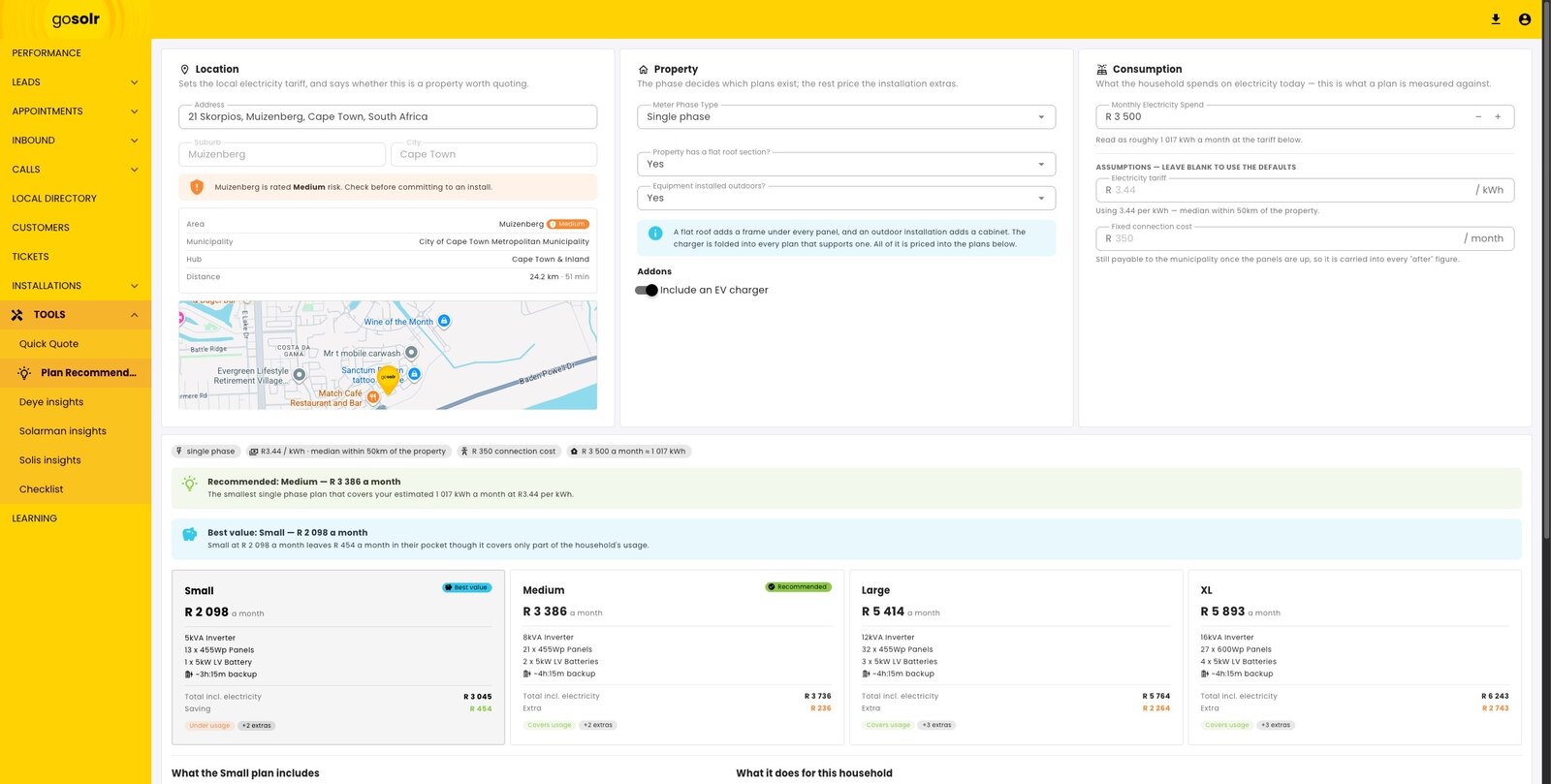
Address, meter phase, roof, and what the household actually spends today. The location sets the local tariff, the phase decides which plans exist, and an address out of reach is known before anybody promises a date.
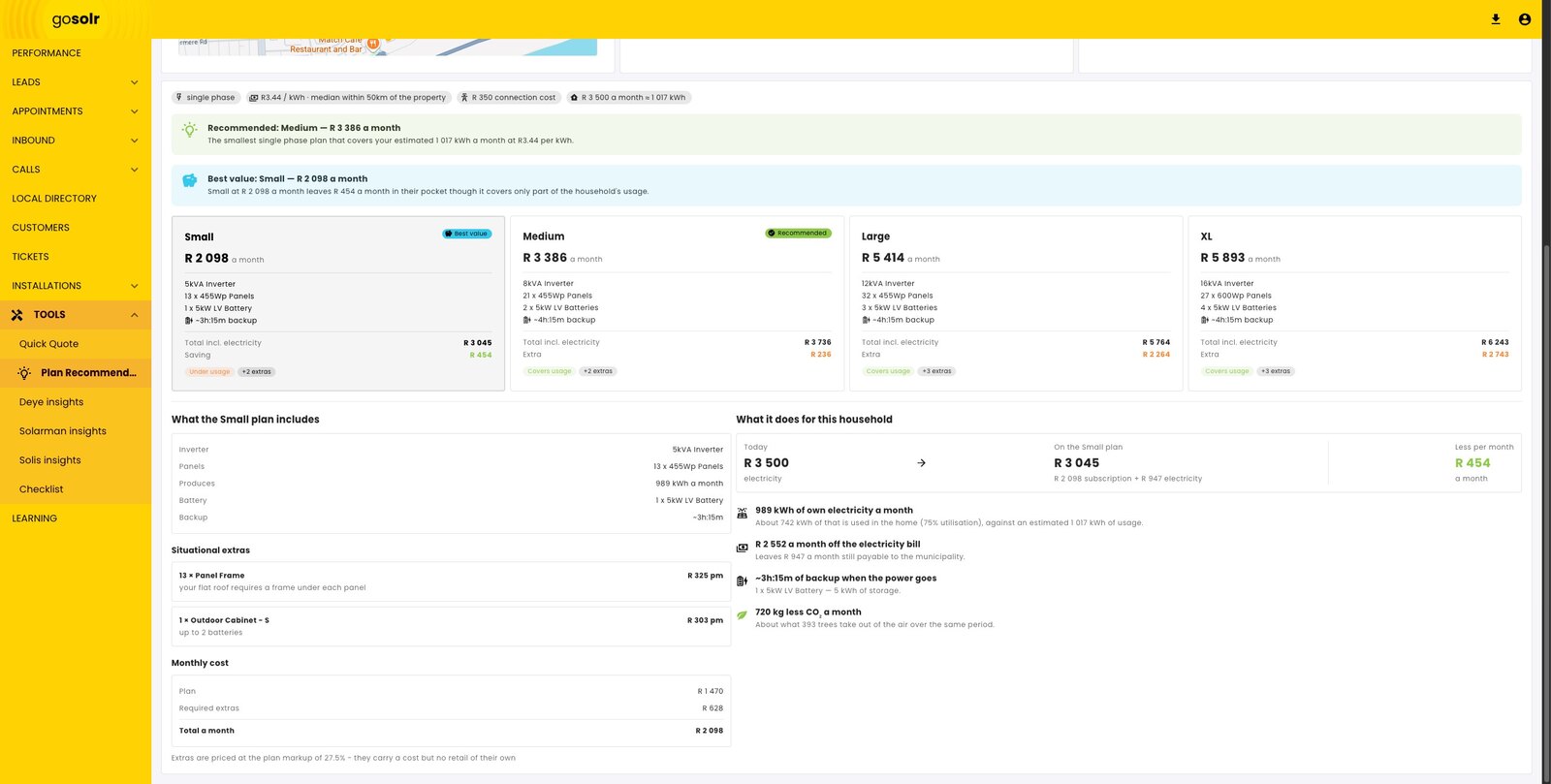
Quote from real numbers, under your own name.
The client's own monthly spend and tariff price every option, so the recommendation is the cheapest plan that genuinely covers them rather than the one you guessed at on the doorstep.
Book against coverage you actually have.
Appointments are planned against real service hubs and the reach each one works to, so an address out of range is known on the call rather than on the morning of the visit.
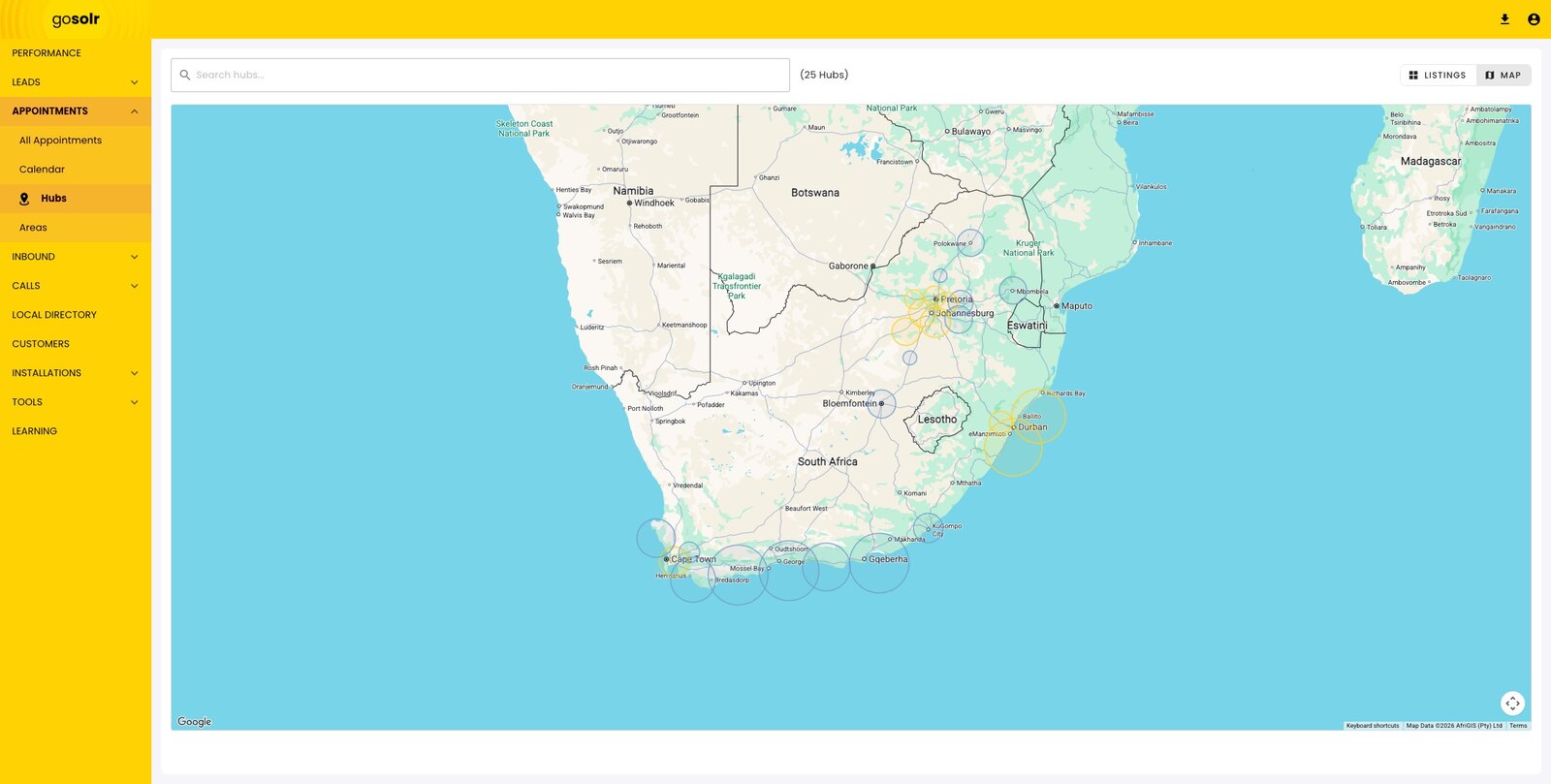
These three screens are the Solaris installer portal running on this platform. They come from a test environment, so every name and figure in them is sample data.
A monitored system is a client you keep.
A client who can see their savings does not go quiet after the install. They come back for the battery, the extra string, the second site. And when something breaks, you already knew.
Your own brand
Your logo, your colours, your app name.
The same platform underneath, handed over under your name. Your clients never see ours.
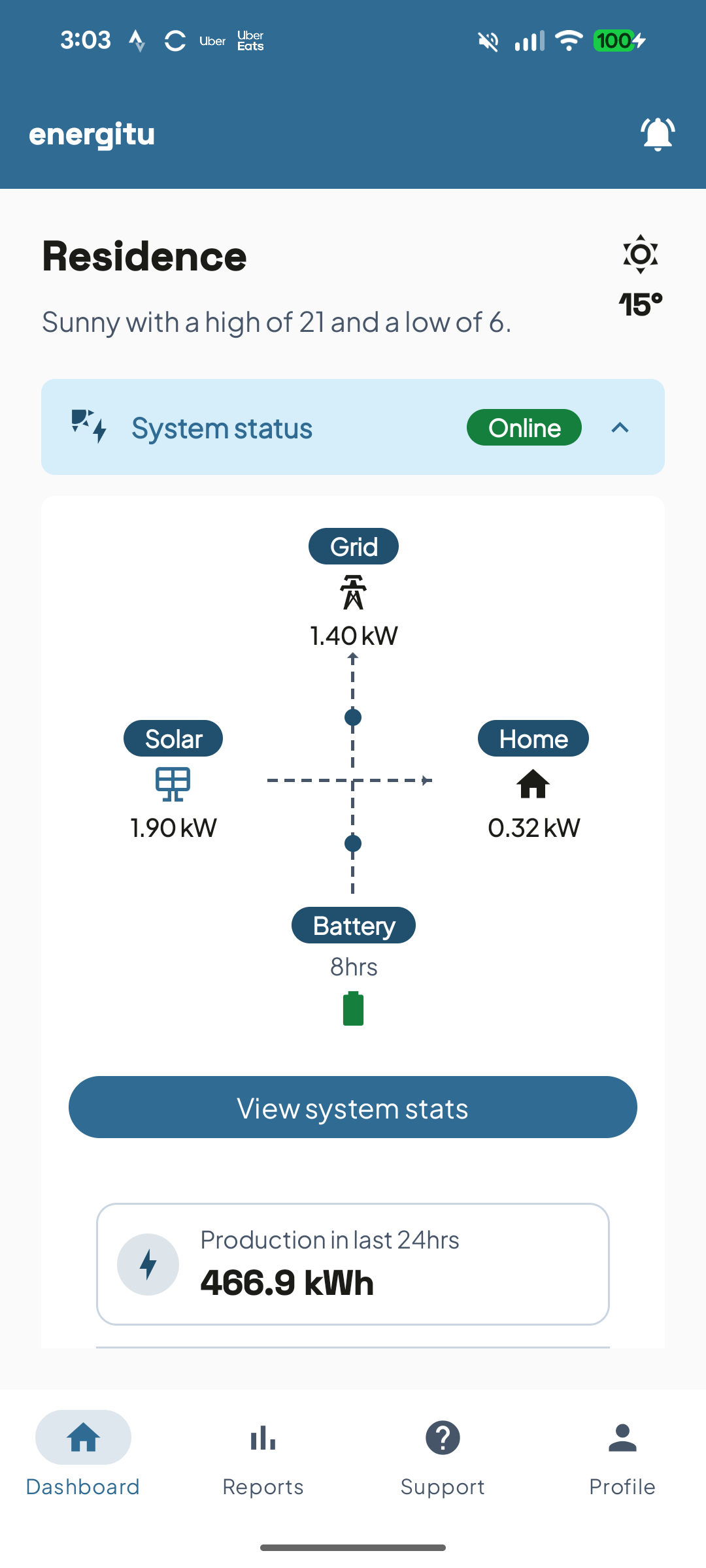
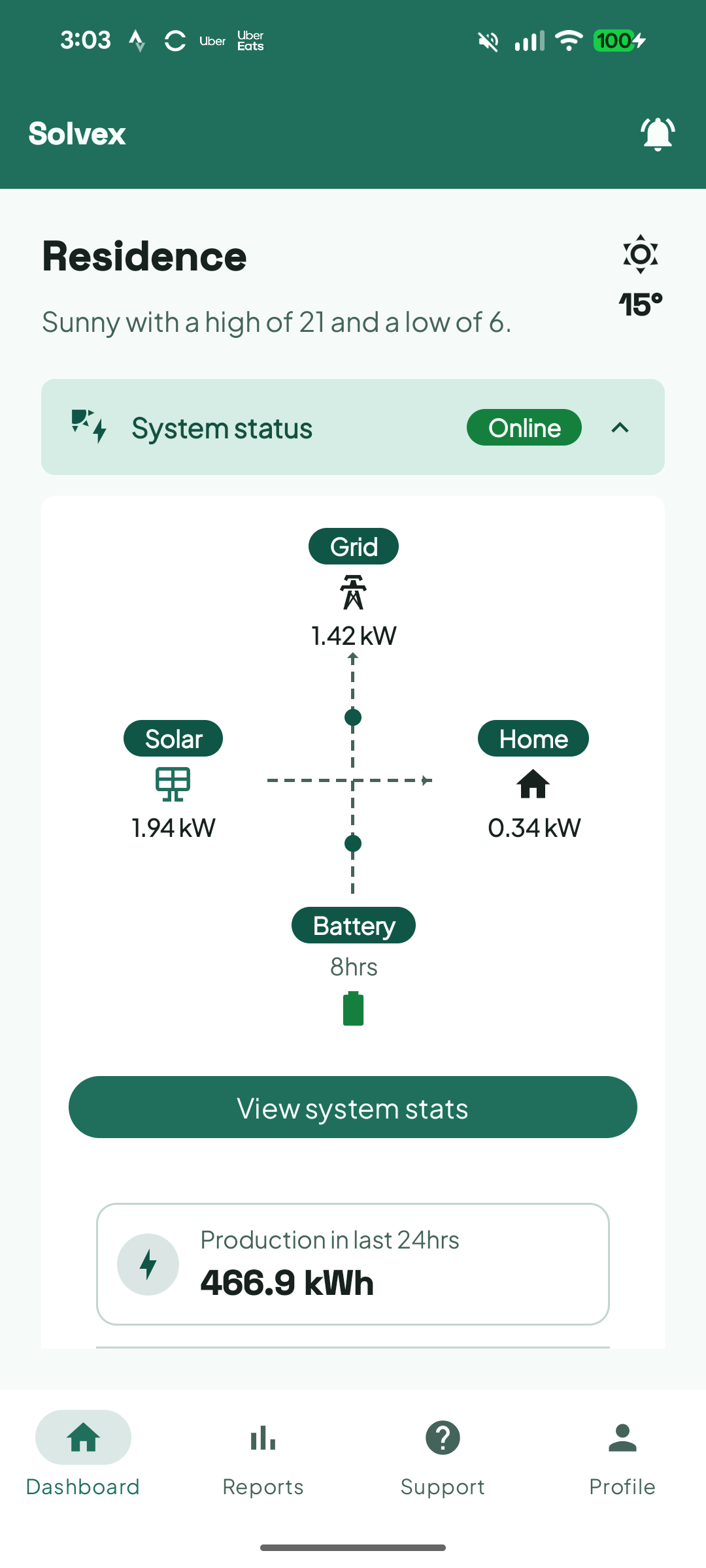
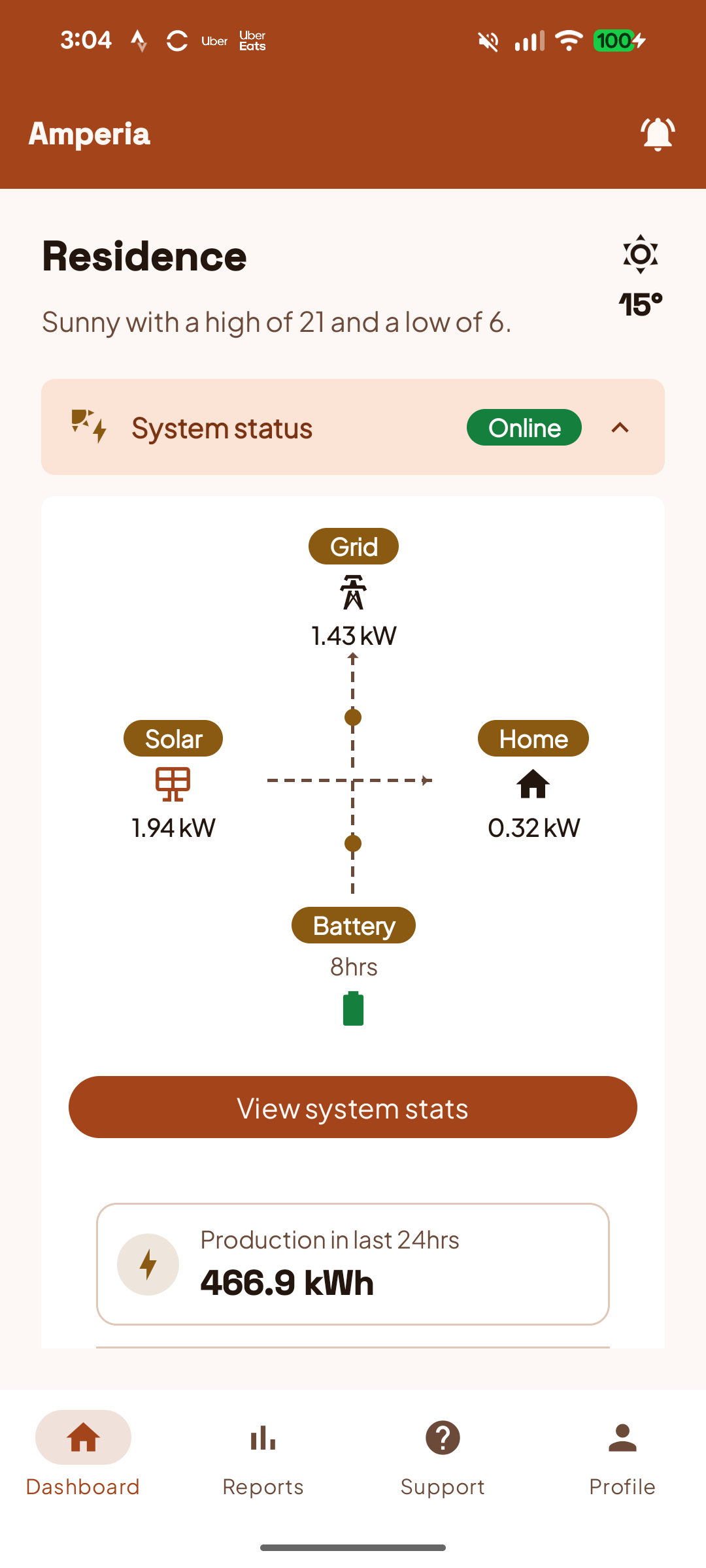
One app, three identities. The same build under three names. Solvex and Amperia are example brands, energitu is ours.
Before you book
Two things worth reading first.
What it costs.
Priced per station you monitor, and the rate drops as the fleet grows. No hidden costs and no minimum commitment.
See pricingSomeone already runs on it.
Eighteen screens from the Solaris installer portal: the fleet, the sales desk, the schedule and the support queue, in the order an installer meets them.
See the case studyShow us your fleet.
Your systems, your numbers, no slides.