The platform
Everything energitu watches.
One platform for any inverter brand. What your clients see on their phone, and what you see across every system you look after.
What it does
Ten things you can see.
Live dashboard.
Production, site use, battery and grid, updating while you watch.
Per circuit, not just the total.
A geyser or a run of lights read on its own, so where the power went is a reading rather than a guess.
Expected versus actual.
Every system measured against what the weather says that roof should be making, so a quiet shortfall shows up as a shortfall.
24/7
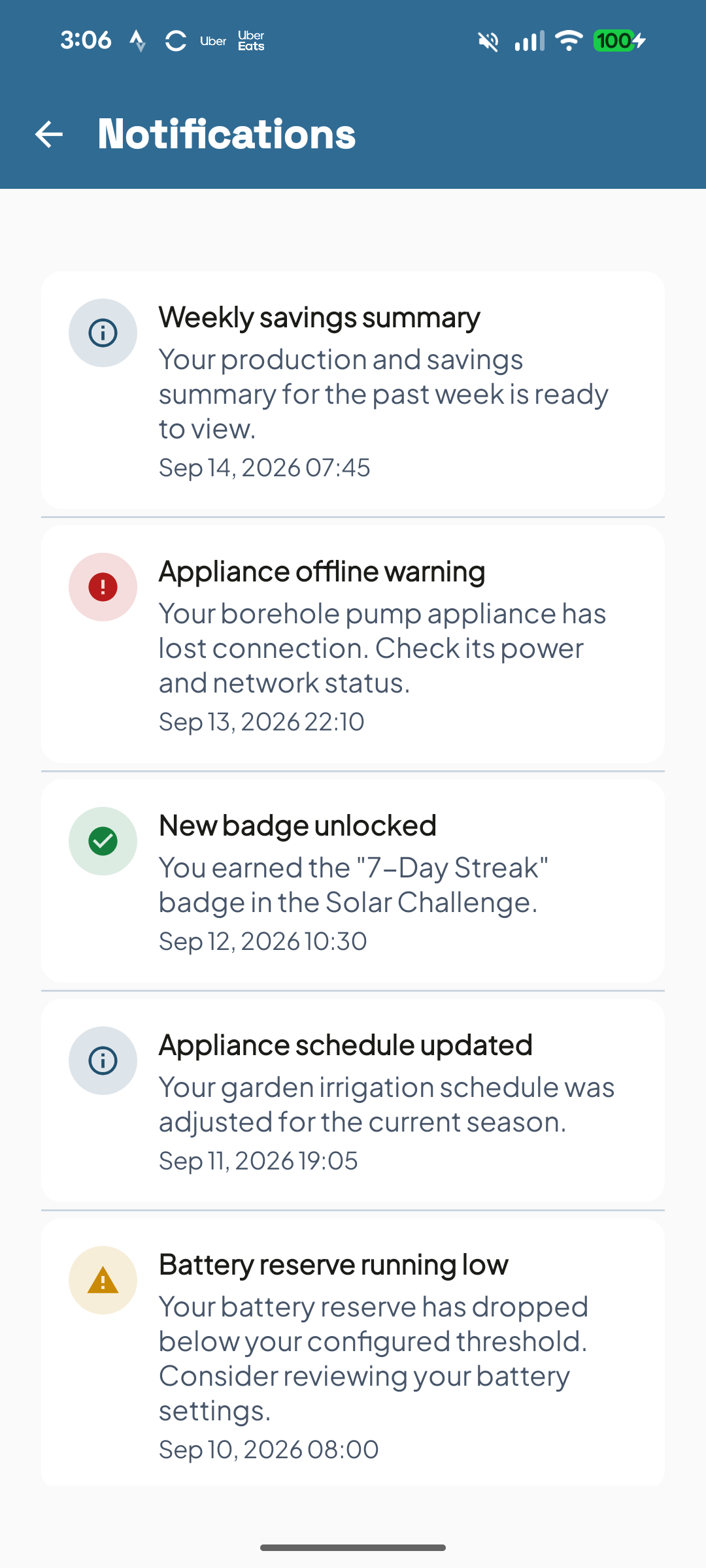
Alerts.
A drop or a dropout opens an alert before anyone rings you, on the phone in your pocket and on the screen on your desk.
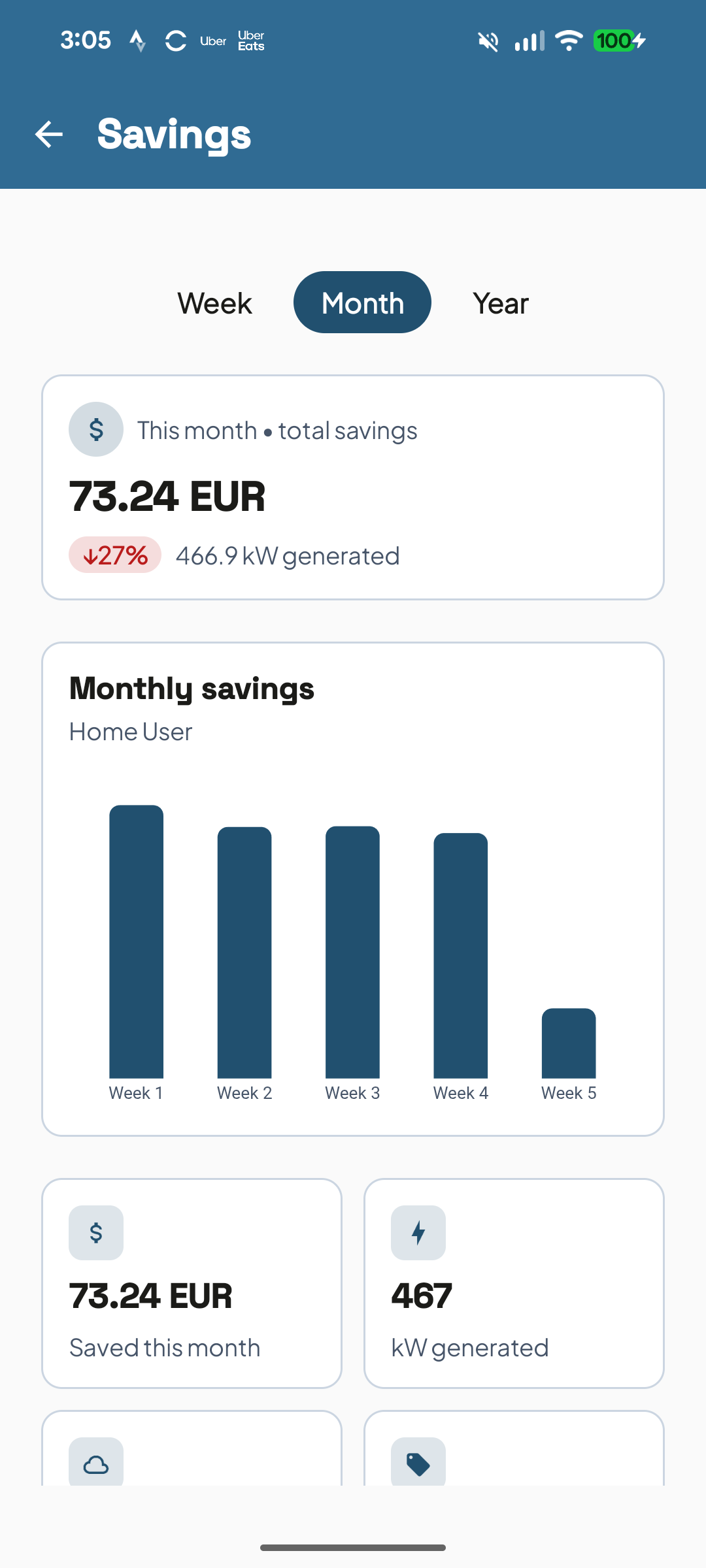
Savings in money.
At the client's own tariff, not kilowatt hours somebody has to convert.
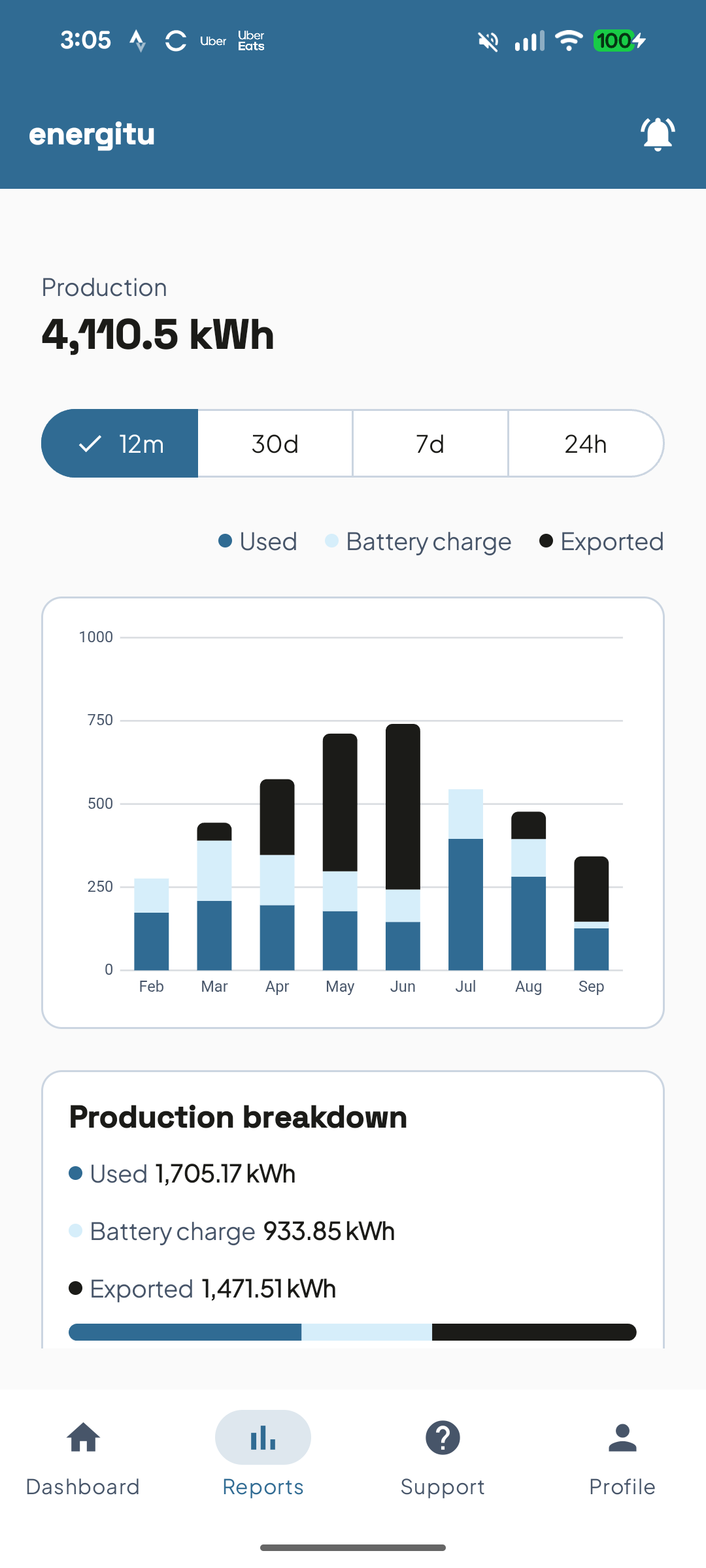
Reports.
Daily and monthly production, so a good month and a bad one are a glance apart.
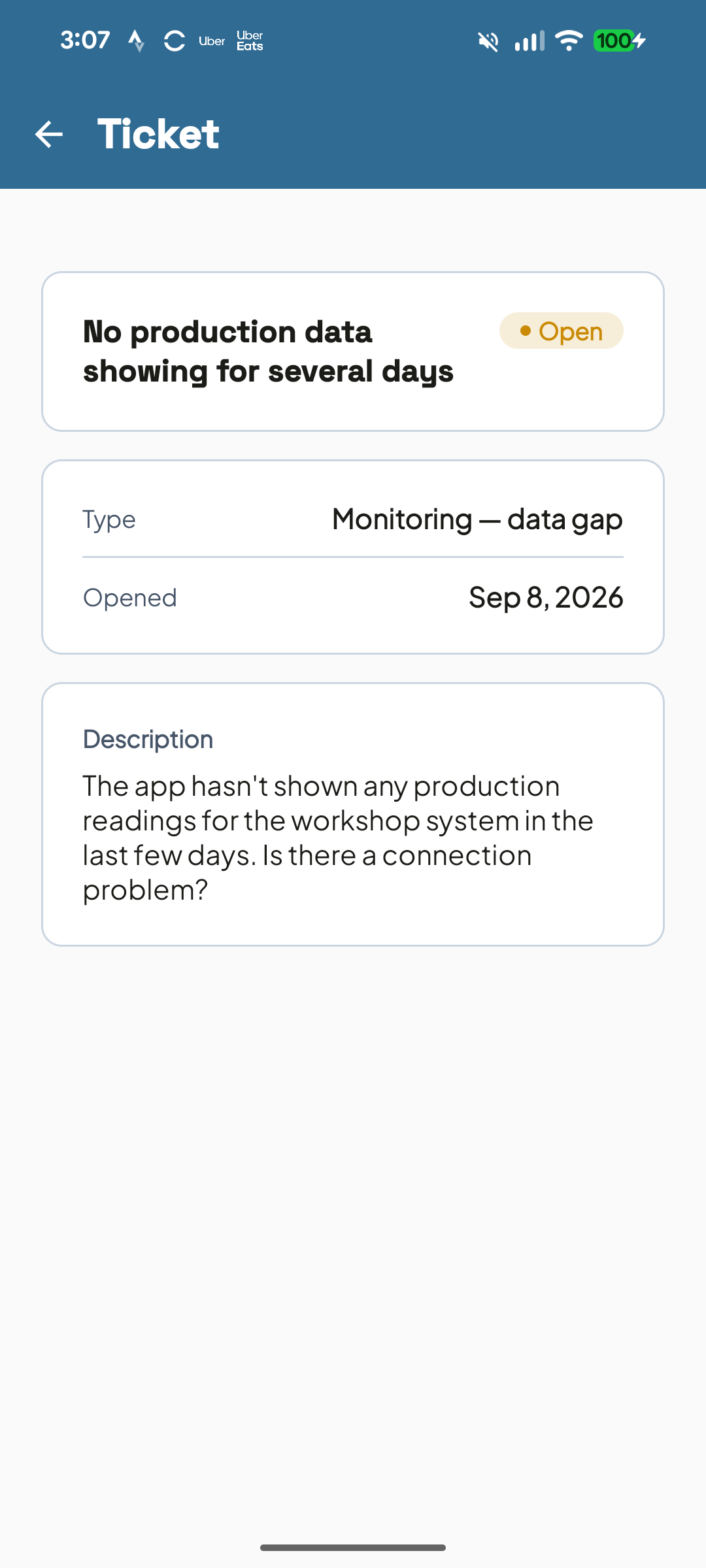
Tickets.
A fault becomes a ticket with the system, the symptom and the history attached.
Fleet view.
Every client system on one screen, online and offline, with the open alarms counted beside them.
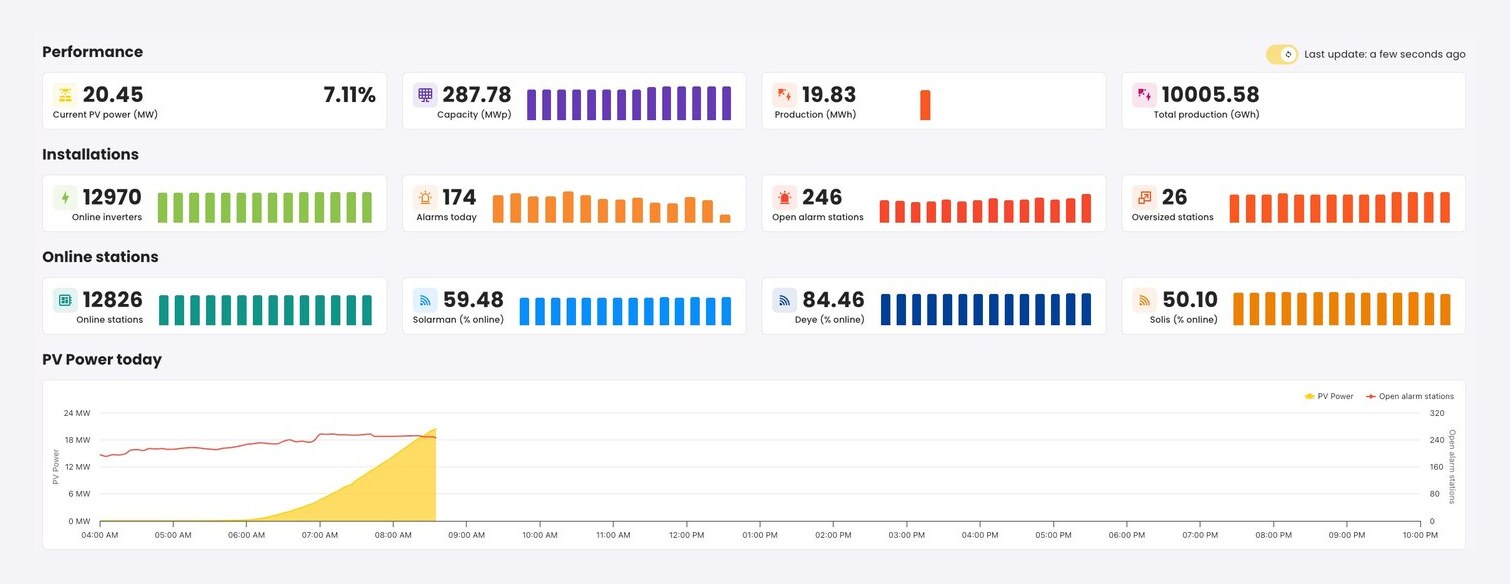
Client onboarding and proposals.
Add a client in minutes, and build a branded quote from real numbers rather than a guess at what the roof will do.
Knowledge base.
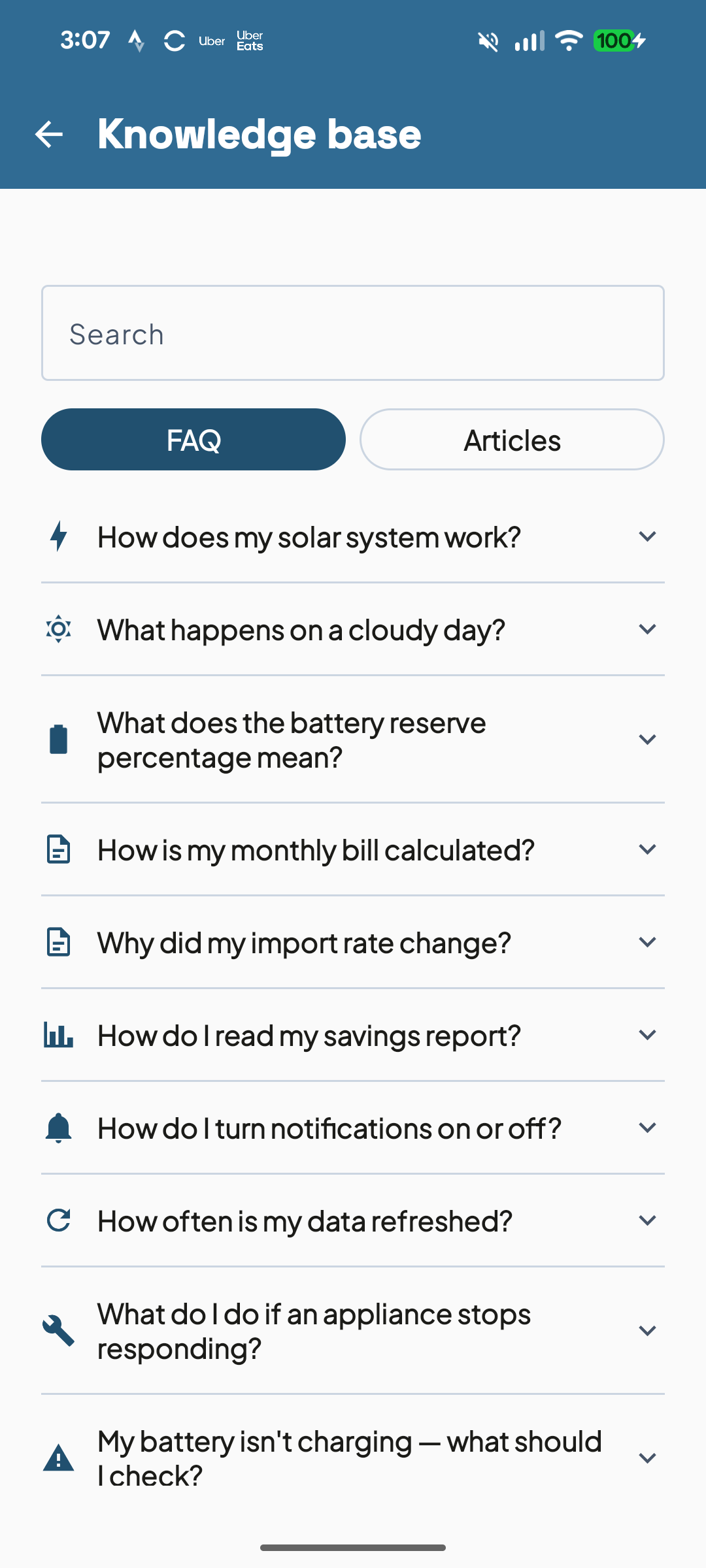
Short articles for the questions every installer answers twice a week, so the answer is already in the app when the client goes looking.
How it works
Three steps, then it runs.
Connect the inverter.
One connection, whatever brand went on the roof.
Systems report in.
Continuously, and checked against what that roof should be making.
Both sides see it.
Your client on their phone, you across the whole fleet.
Any inverter brand.
Show us your fleet.
Your systems, your numbers, no slides.